Ears
Record with the monitor
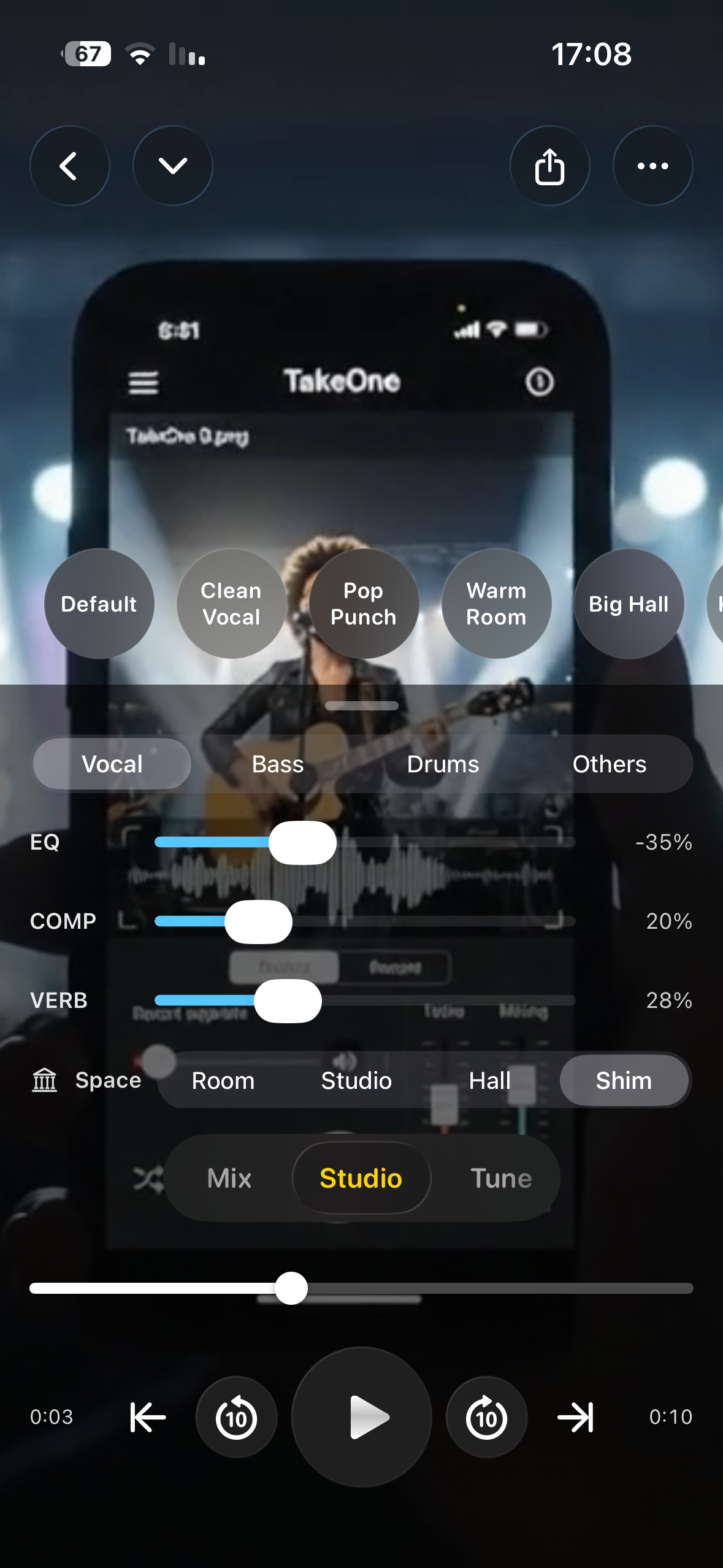
Reverb, EQ, and compression, heard while the red button is down.

Video
The Take One camera films the picture and the sound together. The monitor lets you hear yourself — reverb, EQ, and compression — while you play.

Monitor
Reverb, EQ, and compression sit in the monitor in real time. You hear the room you want while you are still in it, instead of discovering the dry take afterwards.
Headphones keep that monitor out of the microphone, so the picture you film and the voice you hear stay separate until you decide to mix them.
Camera
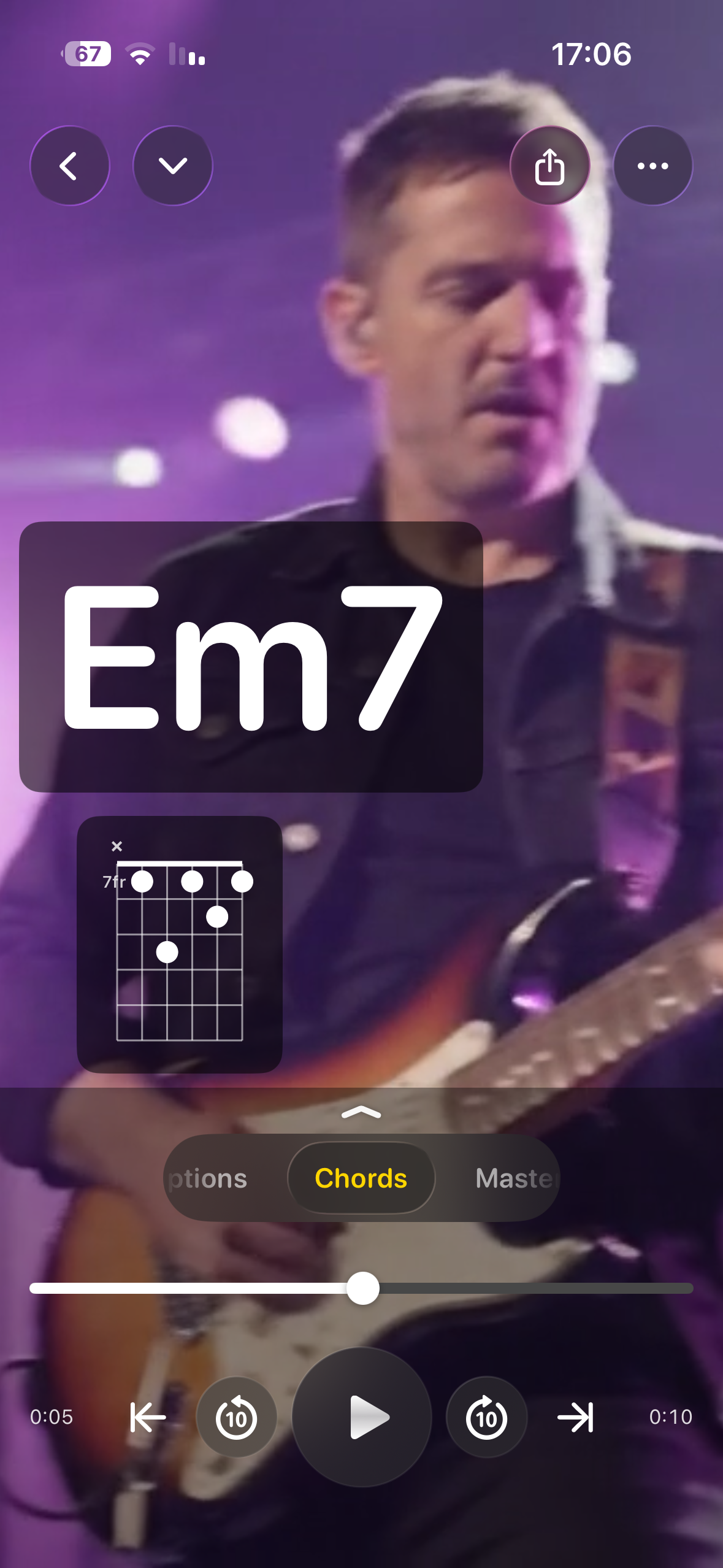
Take One uses the camera the phone already has. Frame the shot, switch lenses, zoom, and record up to 4K at 60 fps. Auto gain holds a loud chorus. Manual gain is there when you already know the level.
A live meter shows the input before you commit to the take. Video and audio land together, so the performance is one file, not a picture you have to sync later.
In one app
Ears
Reverb, EQ, and compression, heard while the red button is down.
Picture
Lenses, zoom, framing, and up to 4K at 60 fps.
Out
Leave with video that already carries the sound, without switching apps to finish it.
Questions
Yes. The monitor plays reverb, EQ, and compression in real time, so you hear yourself as you perform.
The iPhone camera’s own picture: its lenses, zoom, and framing, with recording up to 4K at 60 fps, a live input meter, and auto or manual gain.
Yes, when you are monitoring. Headphones keep the reverb and the track you hear from leaking back into the microphone.
Yes. The recording stays on the iPhone until you export it yourself. Nothing is uploaded to Take One to be filmed or mixed.
Open the camera, put the monitor in your ears, and record the performance once.